

Overview
Connecting Google Analytics 4 (GA4) lets Siftly Shopping show how much traffic AI assistants, like ChatGPT and Perplexity, send to your store, and which pages they land on. It closes the loop between AI visibility and real visits. Difficulty: ✅ Easy. Read-only Google OAuth, then pick your GA4 property.This integration is read-only. Siftly never writes to your analytics. It only reads reports.
Prerequisites
- A Google Analytics 4 property with data flowing
- A Google user with access to that property
Connecting
1
Start the connection
Go to Settings → Integrations and click Connect next to Google Analytics 4.
2
Authorize with Google
Sign in with the Google account that has access to your GA4 property and approve read-only access.
3
Pick your property
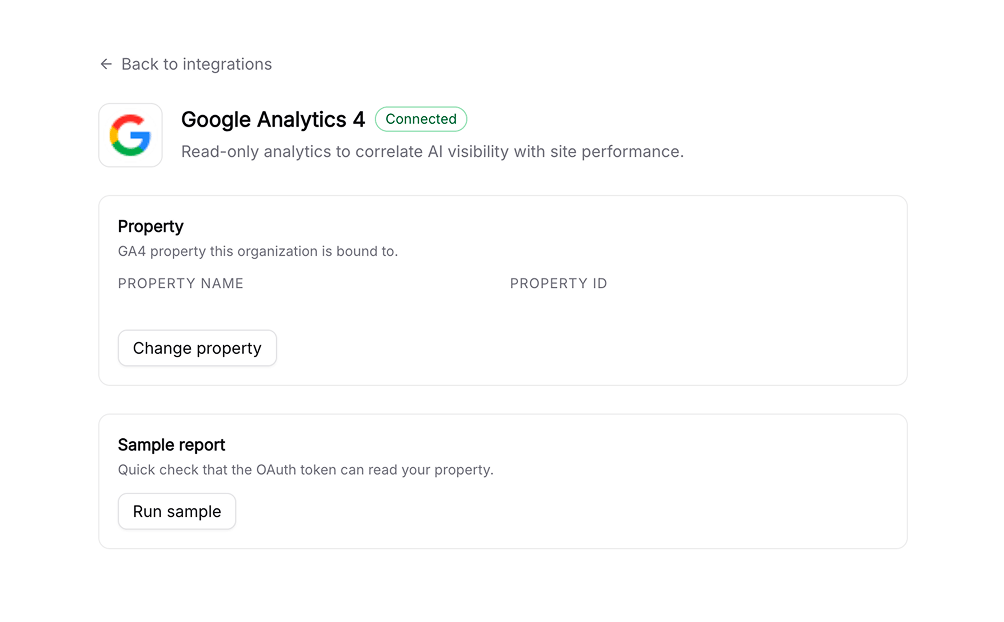
Choose the GA4 property to connect. Siftly binds to it and starts reading reports.
What it powers
Once connected, GA4 data appears on the Traffic page:- Sessions, users, and engagement, with period-over-period change
- AI referral traffic broken down by assistant (ChatGPT, Perplexity, and others)
- Your top pages by AI-assistant traffic
Reconnecting and disconnecting
- Reconnect: If access expires, the GA4 card shows a reconnect prompt; re-authorize with Google.
- Disconnect: Go to Settings → Integrations → Google Analytics 4 and click Disconnect to remove stored credentials.
Troubleshooting
AI referral traffic looks low or empty
AI referral traffic looks low or empty
AI-assistant referrals only appear once shoppers actually arrive from those assistants. Coverage grows as your AI visibility improves and as assistants pass referrer information.
Related
Traffic
See AI referral and organic traffic together.
Google Search Console
Add organic search performance.
Integrations overview
Compare every integration and what each one powers.
Visibility & Share of Shelf
Correlate traffic gains with shelf gains.